Troubleshoot the failure. Prove the recovery.
Diagnose real FortiGate incidents by reading the network state, identifying the failure, applying the correct change, and validating the result.
This is the engineering problem. This is how a real engineer investigates it. This is how KiwiTut lets you practise it.
READ THE CLI.
UNDERSTAND THE STATE.
MAKE THE CHANGE.
Fix the network.
Prove the recovery.
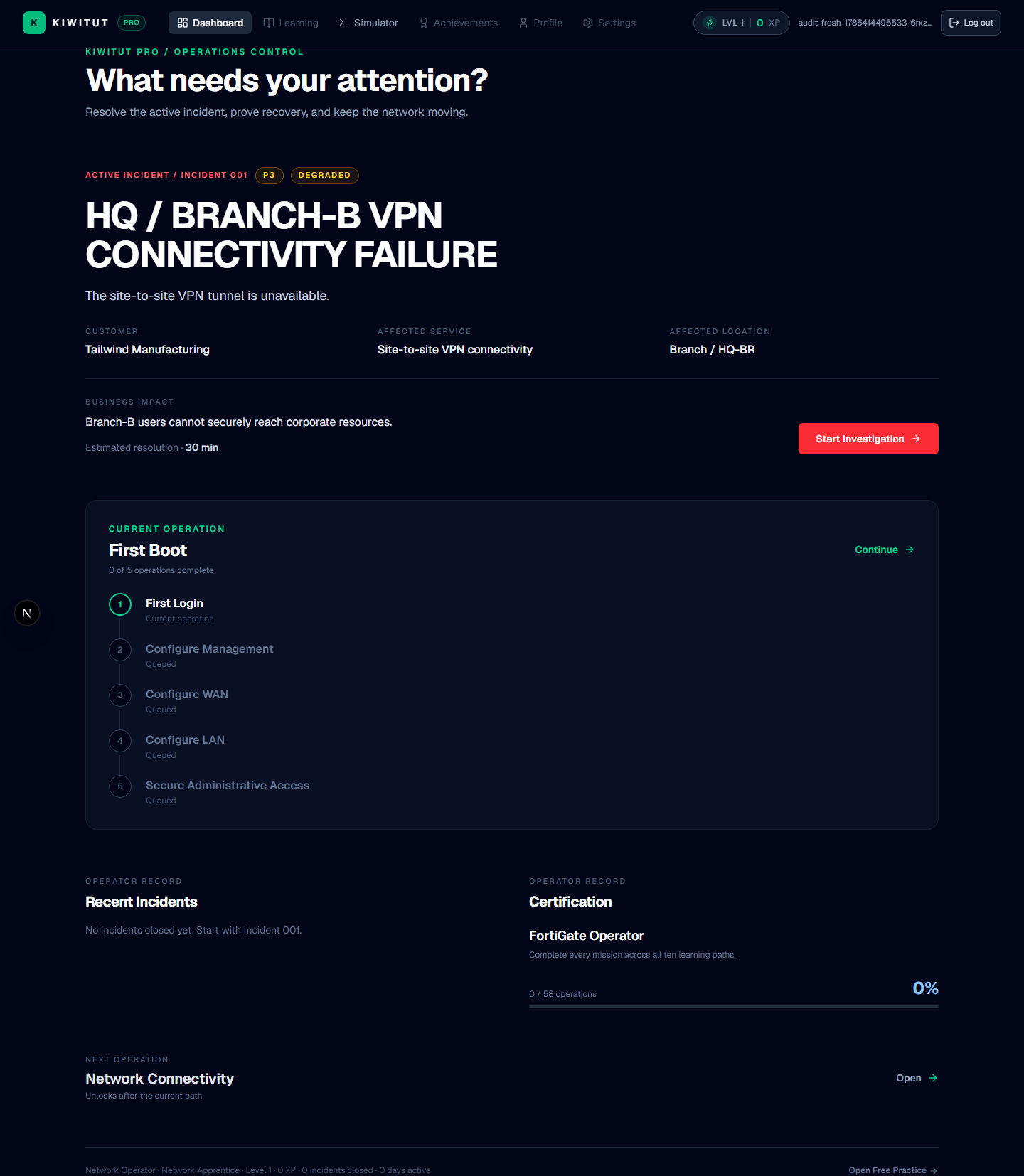
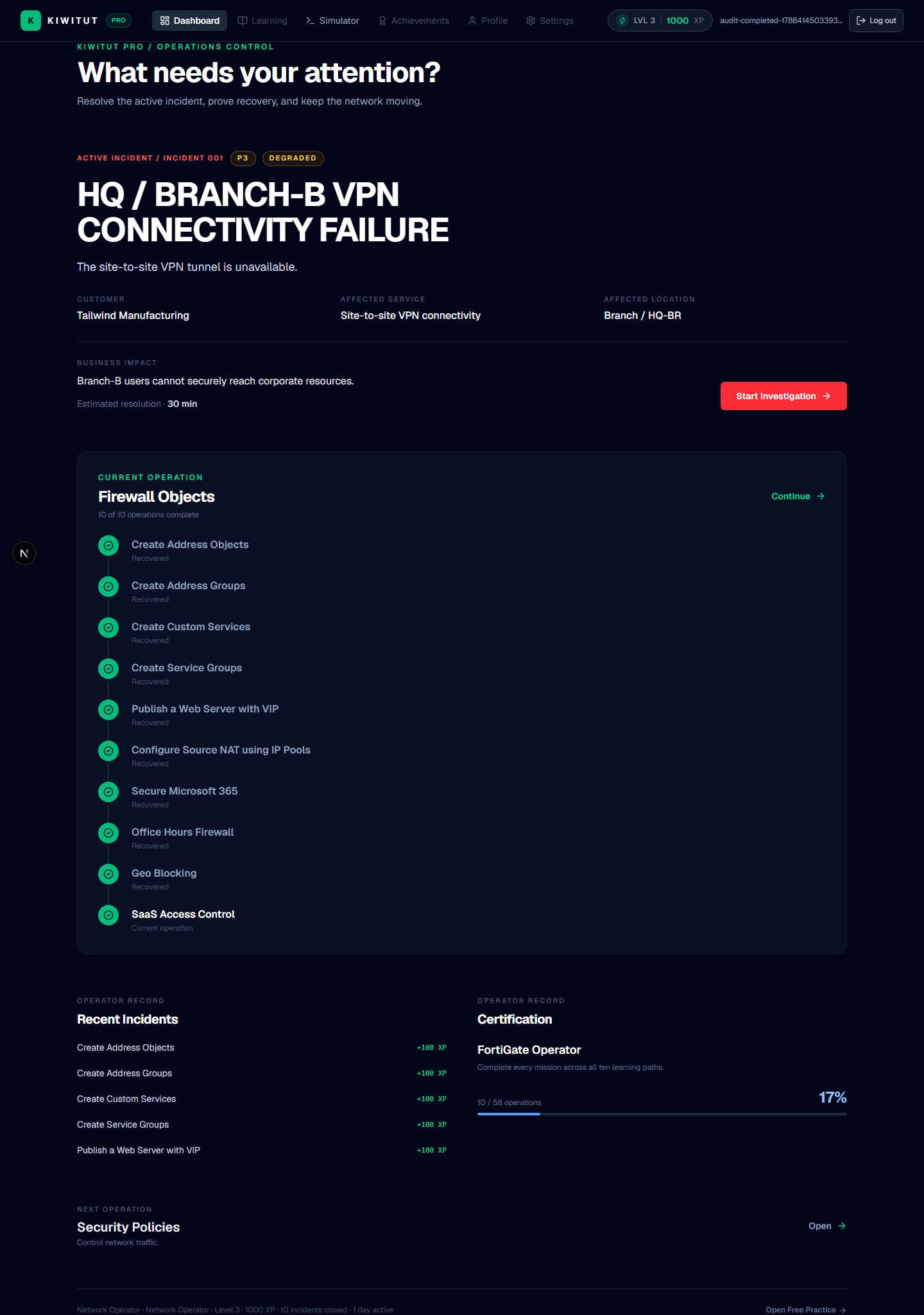
Incident diagnosis
Start with business impact, define the expected path, and separate the symptom from the failure domain.
CLI investigation
Use FortiGate operational commands to inspect state, test a hypothesis, and gather evidence before changing configuration.
Routing and connectivity
Trace interfaces, routes, next hops, and return paths so forwarding behavior can be explained.
Firewall policy and NAT
Read policy matching, address objects, services, translation, and session behavior as one traffic decision.
VPN state
Separate tunnel, Phase 1, Phase 2, selector, and route state when protected traffic is unavailable.
Evidence-based recovery
Apply the smallest safe change, then prove that the original service recovered. This public path prepares operators for KiwiTut Pro; it is not the live simulator.
Symptom playbook
Work top-down: state the symptom, name the suspect layer, run the check, prove the fix.
Suspect: Peer reachability / Phase 1
Check: diagnose vpn ike gateway list, then diagnose vpn tunnel list
Prove it: Gateway established, tunnel up
Suspect: Missing or withdrawn route
Check: get router info routing-table all + specific lookup
Prove it: Expected prefix present
Suspect: SD-WAN rule or member health
Check: diagnose sys sdwan member + load-balance
Prove it: Selected member matches intent
Suspect: Policy / selector mismatch
Check: show firewall policy, show vpn ipsec phase2, show firewall central-snat-map
Prove it: Matching policy + aligned selectors
Prove the fix
- Original symptom reproduced once before changing anything
- Single controlled change applied
- Service restored end to end (
execute ping/execute traceroute) - Change captured (
execute backup config flash change-before) - Root cause stated in one sentence
Related engineering paths: VPN tunnel diagnostics, SD-WAN path control, and the CLI command reference. Or browse the full FortiGate paths catalogue.
Train inside KiwiTut Pro.
These public paths describe the engineering work. The real hands-on FortiGate network operations simulator is private beta at app.kiwitut.com and is available only after controlled access is approved.