FORTIGATE / GUIDE
Operate FortiGate from the CLI.
Build the command-line skills required to inspect state, diagnose failures, make controlled changes, and verify the result.
This is the engineering problem. This is how a real engineer investigates it. This is how KiwiTut lets you practise it.
READ THE CLI.
UNDERSTAND THE STATE.
MAKE THE CHANGE.
Fix the network.
Prove the recovery.
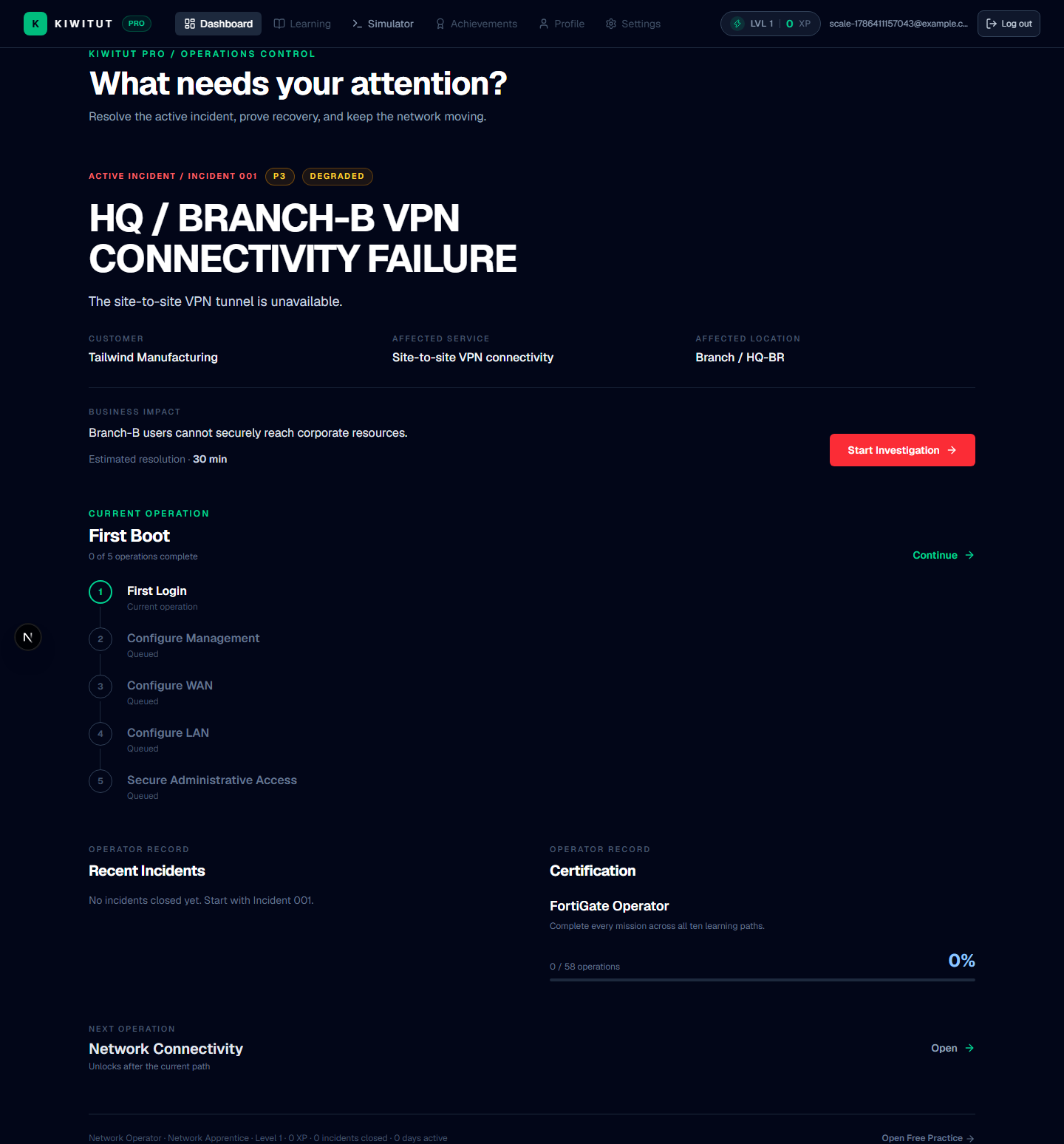
Use the CLI to Answer an Engineering Question
A useful FortiGate CLI session has a question behind every command. The goal is not to memorize a long list. The goal is to inspect the right state, update a hypothesis, make a controlled change, and verify the result.
Is the Route Present?
Establish which route FortiGate selects for the affected destination and whether the next hop is usable before reasoning about higher layers.
get router info routing-table allget router info routing-table lookup 10.20.1.50Routing entry for 10.20.1.50/32
Distance 10, metric 0
via 10.10.10.1, wan1The destination entry, the active next hop, the interface or tunnel used, and the distance. A blackhole route reports its own action.
Routing is a candidate layer. A missing or unusable route explains a drop; a present route does not yet prove the session will pass.
If the route is missing or blackholed, inspect static routes, dynamic protocols, and SD-WAN route injection. If routing is valid, move to policy, NAT, tunnel, or path evidence.
Is the Interface Actually Up?
Verify the transport prerequisite before interpreting route, policy, or tunnel output.
get system interfaceInterface : wan1
Status : up
IP : 10.10.10.2/24Administrative and link state, the assigned IP, and the interface the forwarding decision actually references — including member ports on aggregate or redundant links.
An up interface proves local link state only. It does not prove reachability, policy acceptance, tunnel establishment, or SD-WAN health.
If the interface is down, work the transport issue. If it is up, continue down the dependency chain before concluding anything.
Is the VPN Actually Up?
Separate a configured tunnel from an established operational tunnel and identify the failure boundary.
diagnose vpn ike gateway listdiagnose vpn tunnel listshow vpn ipsec phase2Name : HQ-BR
State : down
Active SA : 0
Peer : 203.0.113.10Tunnel up or down, active SA count, IKE error reasons, and the phase2 selectors negotiated for the protected networks.
If the tunnel is down, the failure is before traffic crosses it — peer, authentication, or proposal. If it is up but traffic fails, the problem is in routing, policy, NAT, or the return path.
Choose between Phase 1 (identity, authentication, proposals) and post-tunnel layers based on the observed state, then verify the child SA selectors against the affected networks.
For the surrounding concepts, read the FortiGate VPN troubleshooting resource.
Which Policy Is Matching?
Confirm whether the intended firewall policy can match the affected traffic and what the policy does if it matches.
show firewall policyID srcintf dstintf srcaddr dstaddr service action nat
3 lan vpn BRANCH_LAN HQ_SERVERS HTTPS accept noInterface direction, address objects, service, action, and NAT behavior for the intended source and destination.
If the policy cannot match, the traffic is dropped by policy or matched by an unintended rule. If it matches, the next question is translation and the return path.
Correct the object, direction, or service if there is no match. If the match is correct, inspect NAT and security profiles before concluding.
Are the Selectors and NAT Decisions Correct?
Verify that protected networks match the traffic and that translation preserves a valid return path.
show vpn ipsec phase2show firewall central-snat-mapP2 HQ-BR
srcaddr BRANCH_LAN
dstaddr HQ_SERVERSFor VPN: the local and remote protected networks in the child SA. For policy: which source translation is expected and what it does to the return path.
Selector mismatch means the child SA does not cover the affected traffic. NAT mismatch breaks the return path even with a healthy tunnel.
Align the selectors or translation, then re-test the tunnel state and a representative session.
Is SD-WAN Selecting the Expected Path?
Identify which member is selected, its health, and its cost so the path decision is auditable.
diagnose sys sdwan memberdiagnose sys sdwan routesdiagnose sys sdwan load-balanceMember : ISP1
Status : UP
Cost : 10 (effective 10)
Interface: wan1Member health (UP/DOWN), effective cost, the member the rule installed, and whether the route follows the selected member.
Selection can be wrong while all interfaces are up. The rule, health, and routing must agree.
Inspect the rule match and SLA thresholds, then validate the service on the selected path. Use the SD-WAN troubleshooting resource for the full decision model.
Is the Interface Up or Is the Path Healthy?
Use a layered interpretation. Interface state answers whether the local transport is operational. Member state answers whether the path is available to SD-WAN. SLA/health state answers whether measured performance meets the configured requirement. Rule and route state answer whether this application is actually using the path. Validation answers whether the business service recovered.
The CLI as a Decision Record
A CLI session should make the reasoning auditable. For each command, record the question, the observed output, the hypothesis it supports or rejects, and the next test. KiwiTut’s CLI incidents use this same progression: the operator reads state, makes a controlled change, and validates the resulting state rather than being rewarded for command entry alone.
Where Is the Packet Going, and Why Is It Dropped?
Trace the forwarding decision and identify the layer that is dropping the packet.
get router info routing-table lookup 10.20.1.50execute ping 10.20.1.50execute traceroute 10.20.1.50Action: blackhole
Routing entry for 10.20.1.50/32 via blackholeThe route lookup result, including blackhole routes; where ping or traceroute stops; and the session or state evidence for that layer.
A drop is an observation. The diagnosis explains the layer — route, policy, tunnel, or path — and the evidence that distinguishes it from the others.
Fix the identified layer only, then repeat the same lookup, ping, and service check to prove the drop is gone.
What Changed, and Did Recovery Actually Work?
Keep the change auditable and prove recovery through state, not through a prompt returning to normal.
execute backup config flash change-beforediagnose system backup listexecute ping 10.20.1.50Reply from 10.20.1.50: bytes=32 time=3ms
Tunnel HQ-BR: up
SD-WAN member ISP1: UPThe before-state, the single corrective action, and the after-state: route usable, tunnel or member healthy, policy correct, service reachable.
Operational recovery is a state transition. If only the command was accepted, the incident is not closed.
Complete the debrief: symptom, cause, change, validation evidence, and the handoff note for the next operator.
A CLI Walkthrough Inside an Incident
HQ-BRANCH-B state: down active SA: 0
FGT-HQ # get router info routing-table lookup 10.20.40.0/24
no route found for 10.20.40.0/24
The console sequence moves from diagnosis to route inspection, recovery, and validation. The simulator gives the commands an operational context and changes its state as the engineer acts. That is more useful than a static command reference because the next command depends on the evidence already observed.
Keep This CLI Checklist Nearby
- What question am I answering?
- Am I inspecting configuration or runtime state?
- What output would support or reject my hypothesis?
- Which dependency should I inspect next?
- What is the smallest safe change?
- What output proves recovery?
Continue with the general FortiGate troubleshooting workflow or the SD-WAN path resource when the question concerns path selection. Practise each command against live state in KiwiTut Pro, the private-beta FortiGate simulator, and pair it with the VPN troubleshooting resource when the path crosses a tunnel.
Practise CLI decisions, not command collecting.
KiwiTut Pro is currently available through controlled access for selected network engineers.
Related engineering paths: VPN operations, SD-WAN path control, and the symptom-first workflow. Or browse the full FortiGate paths catalogue.
Train inside KiwiTut Pro.
These public paths describe the engineering work. The real hands-on FortiGate network operations simulator is private beta at app.kiwitut.com and is available only after controlled access is approved.